
Turn 1 Long Video Into 10 Viral Shorts in Minutes.
Upload once. ClipRider automatically reframes, captions, and detects highlights — giving you studio-quality clips without manual editing.
Why creators switch to ClipRider
ClipRider understands every type of video — podcasts, gaming, interviews, webinars, wildlife, and everything in between.
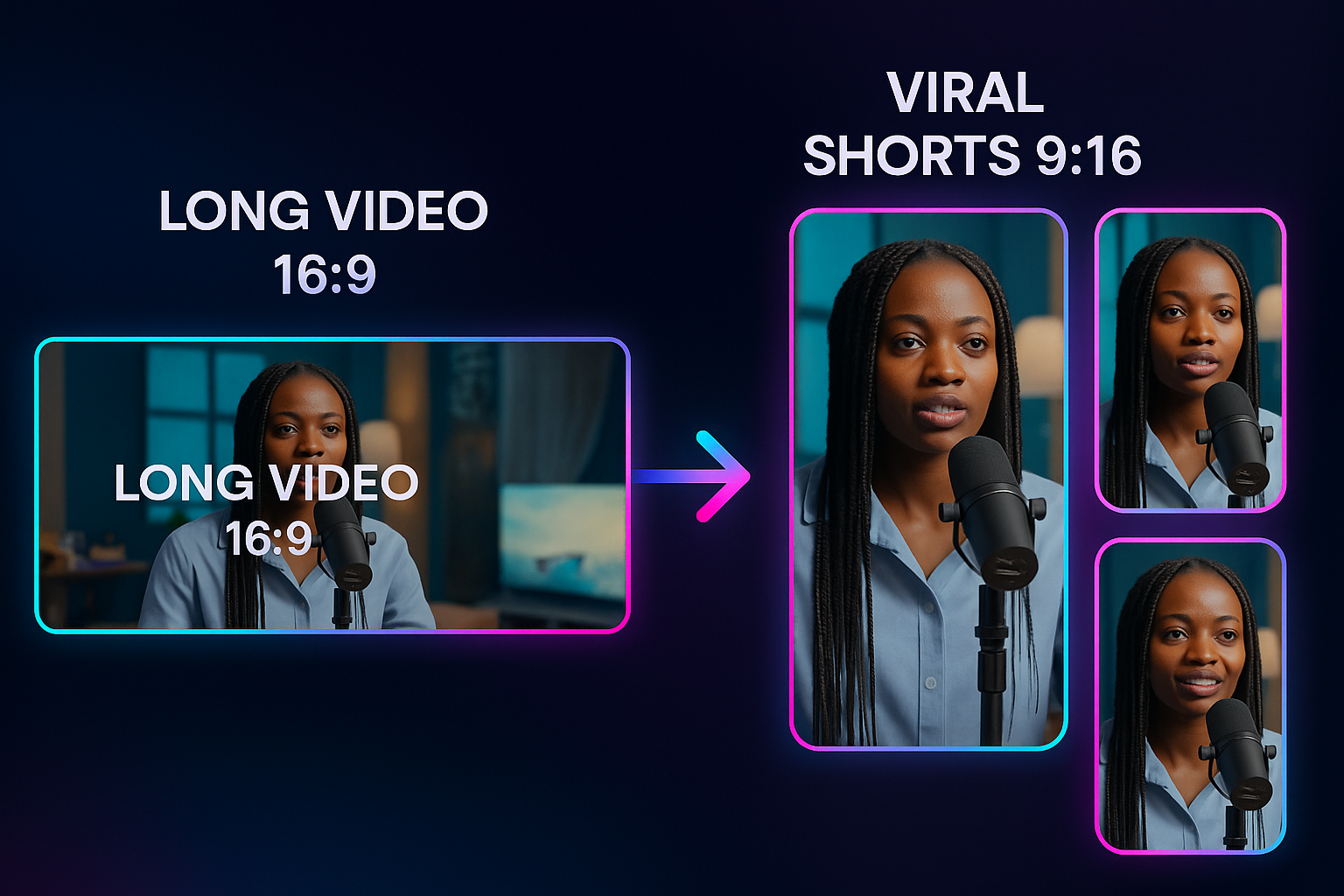
Perfect 9:16 Reframing
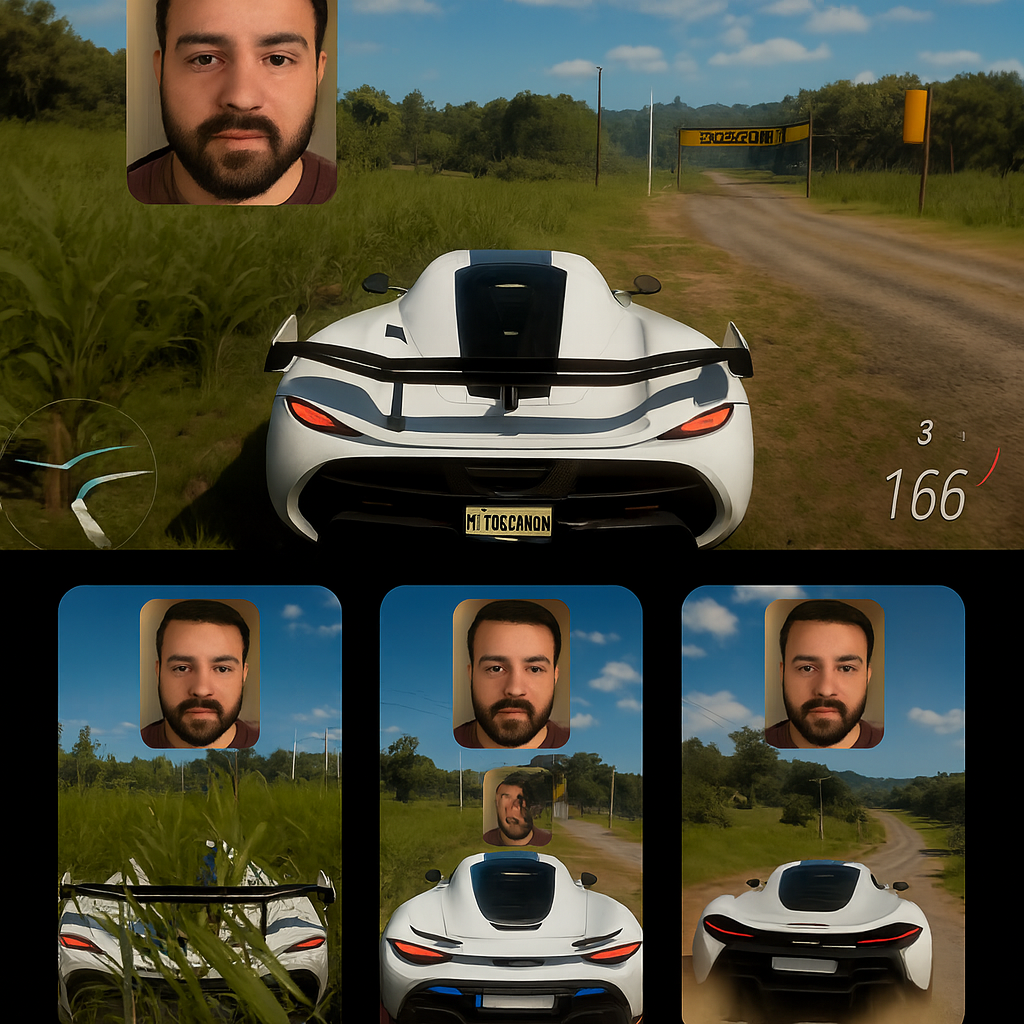
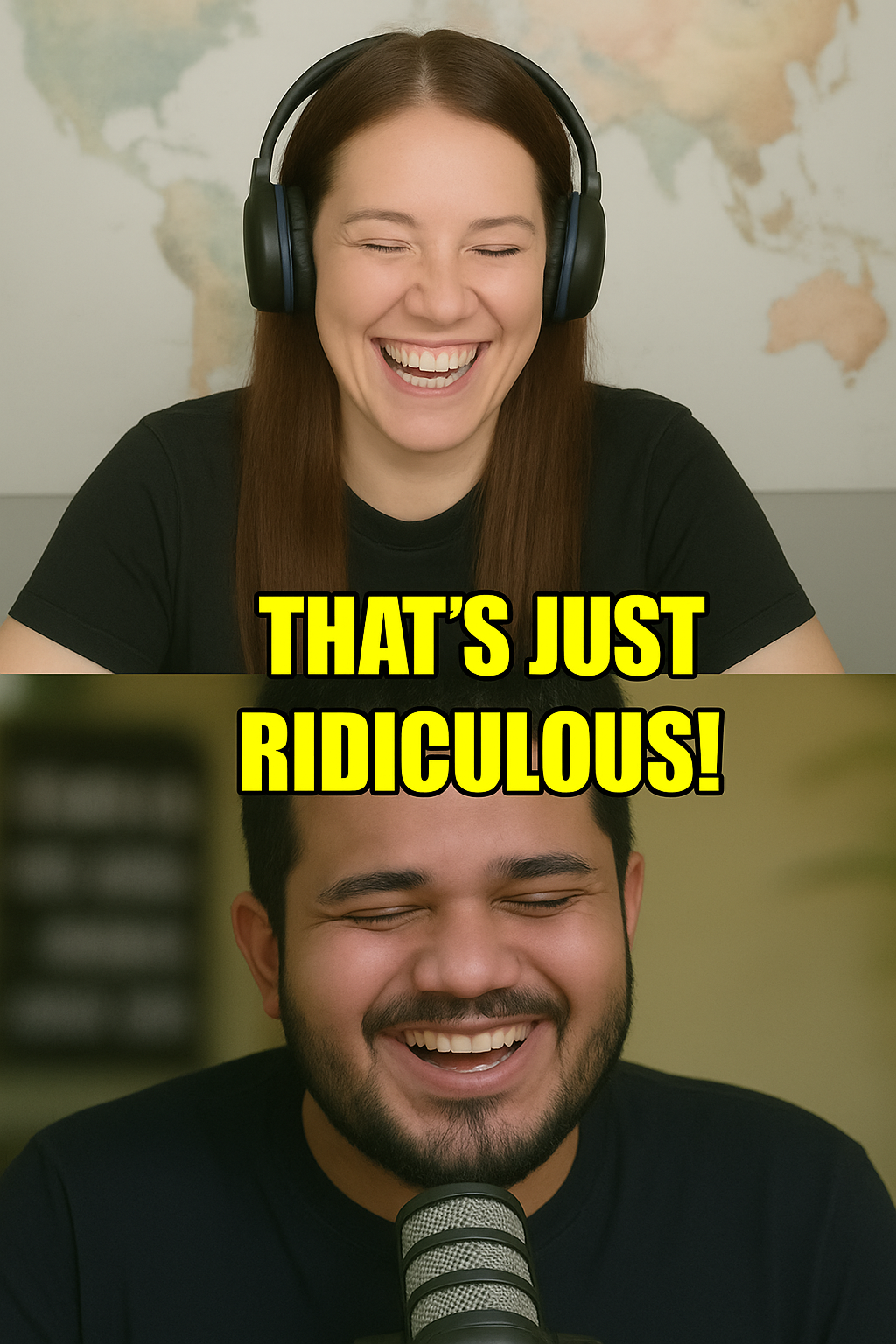
Clean vertical reframing with no cropped heads — even with multiple speakers.
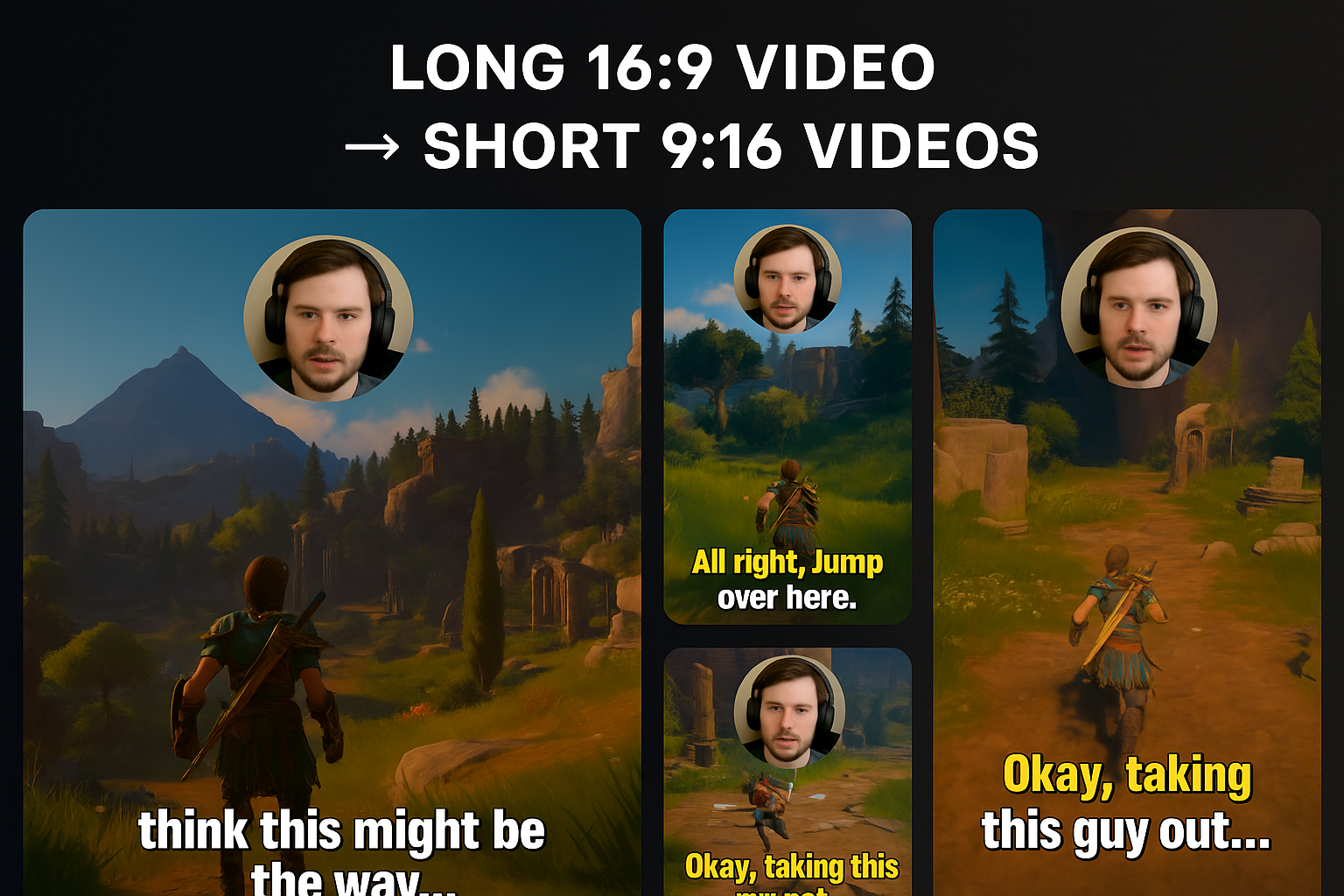
Smart AI Subtitles
Bold keywords, emojis, and color accents — timed perfectly to speech.
Instant Clip Detection
Detects hooks, highlight moments, and viral segments in seconds.
Perfect 9:16 Reframing — No Editor Needed
Most tools crop out speakers or fail with multiple people. ClipRider fixes this automatically.
✔ Tracks multiple people automatically
✔ Keeps speakers centered — never cropped out
✔ Maintains group composition
✔ Smart pan + smart zoom adapt to every shot
✔ Ideal for podcasts, interviews, gaming, wildlife, coaching, and more
3-Step Workflow
From long-form to viral shorts — simple, fast, automatic.
1. Upload Long Video
Supports full-length podcasts, interviews, gaming streams, webinars & more.
2. Auto Edit
ClipRider handles reframing, captions, trimming & highlight detection.
3. Download Shorts
Perfect 9:16 clips ready for TikTok, Reels, Shorts, and more.
Frequently Asked Questions
How do I turn my long video into short clips?
ClipRider automatically finds hooks, highlights, and high-retention moments in your long video. Upload once → get multiple short clips ready for TikTok, Reels, and Shorts.
Can ClipRider convert a horizontal video into vertical 9:16?
Yes — ClipRider reframes 16:9 videos into perfect 9:16 vertical format. Our AI keeps people centered, avoids bad crops, and maintains composition even with multiple speakers.
Will ClipRider keep all speakers centered?
Absolutely. ClipRider automatically tracks multiple people, adjusts framing, and ensures every speaker stays visible and properly centered throughout the clip.
Can I upload long videos?
Yes — ClipRider is optimized for 20–120 minute podcasts, interviews, webinars, gaming streams, and tutorials.
How does ClipRider choose the best moments?
AI analyzes voice energy, emotional peaks, keywords, pacing, and retention signals.
Does ClipRider add captions automatically?
Yes — with bold keywords, emojis, safe-zone alignment & timing synced to speech.
Can I paste a YouTube link?
Yes — ClipRider automatically fetches, analyzes & generates clips.
How fast?
Typically minutes depending on length & number of clips.
Do I need editing experience?
No — everything is automatic.
Are clips platform ready?
Yes — optimized for TikTok, Reels, Shorts.